
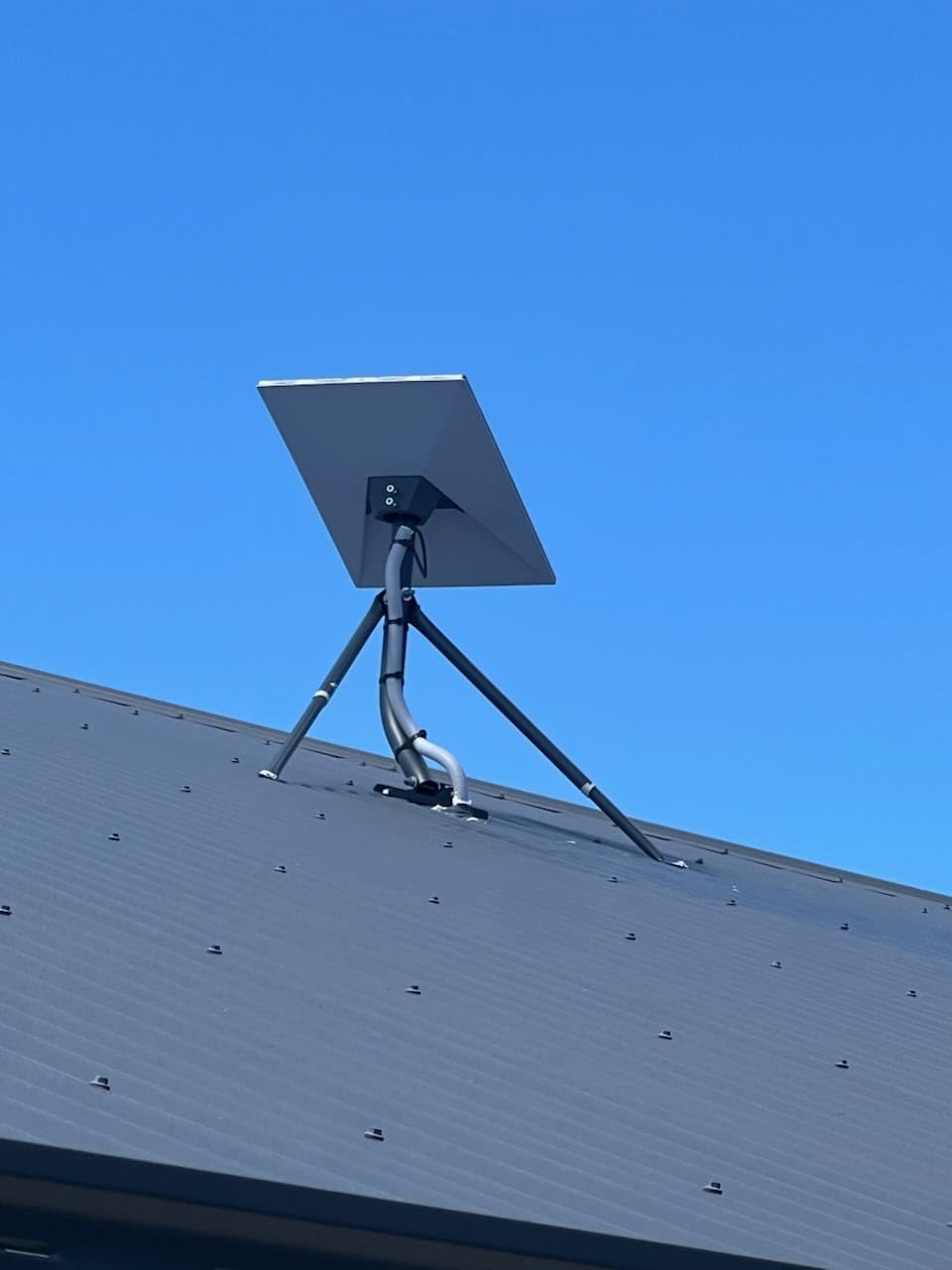
Here's the quick summary: Starlink is a big step forward for people with poor NBN or no good alternatives. It's fast and reliable, and it can make a huge difference if you've struggled with bad internet. But it's not perfect, it's not cheap, and it's not always the best option if you already have good fibre or 5G.
Is Starlink Worth It?
For many people in rural and regional Australia, Starlink is definitely worth considering. It offers internet speeds and performance that were once out of reach outside big cities. Still, like any technology, it is not a one-size-fits-all answer.
Who should buy it
Starlink is a great option for:
- People living in rural or remote areas where the NBN is unreliable or simply not available.
- Households where several people need to use the internet at the same time, including streaming, video calls, online gaming and home offices.
- Anyone who's been let down by satellite, fixed wireless or ADSL and needs a reliable, fast connection.
Who probably shouldn't
If you already have fibre-to-the-premises NBN or strong 5G coverage, Starlink probably is not the best choice. Fibre connections usually offer more consistent speeds, lower latency and often a better price.
If your property has tall trees or buildings that block the dish's view of the sky, you might have trouble getting a good signal.
Why People Choose Starlink
Poor NBN performance
The NBN can be hit or miss. In many parts of WA, especially outside Perth, it is common to have dropouts, slow speeds and unreliable service. Starlink avoids the NBN network entirely by connecting straight to satellites, so you do not have to rely on old copper lines or crowded wireless towers.
Rural and regional WA
In rural areas, choices are limited. Fixed wireless and traditional satellite services are often slow, with high latency and strict data limits. Starlink was designed for people in these situations. It brings fast internet to places where the only other option might be dial-up or no service at all.
Working from home
Since COVID, working from home has become common for many people. But it only works if your internet is reliable. Starlink helps remote workers by making video meetings, large file uploads and cloud-based tools possible, no matter where you live.
Streaming and gaming
Streaming movies, playing online games or watching YouTube in HD can be difficult on a slow internet connection. Starlink's speeds are enough for several streams at once, and while its latency is not as low as fibre, it is still good for most online games.
Large households
If your household has teenagers on social media, parents working from home and others using tablets, you need plenty of bandwidth. Starlink's unlimited data and good speeds mean everyone can get online without competing for the connection.
When Starlink Is Not the Best Option
FTTP already available
If you're one of the lucky few with FTTP NBN, you're already living the internet dream. Fibre is fast, reliable and not affected by weather or obstructions. Switching to Starlink would be a downgrade in most cases.
Strong 5G coverage
5G is now available in many urban and suburban areas. If you have a strong signal at home, 5G internet might be faster, cheaper and easier to set up than Starlink. You also will not need to install a satellite dish on your roof.
Obstructed property
Starlink requires a clear view of the sky, without trees, tall buildings or hills in the way. If your property has many obstructions, getting a reliable signal can be difficult. Even a few tall trees can cause dropouts.
Budget factors
Starlink is expensive. The initial hardware cost is high, and the monthly fee is higher than many NBN plans. If you're on a budget, compare the benefits to the cost and consider if a cheaper NBN or mobile broadband plan could work for you.
How Fast Is Starlink?
Typical Perth speeds
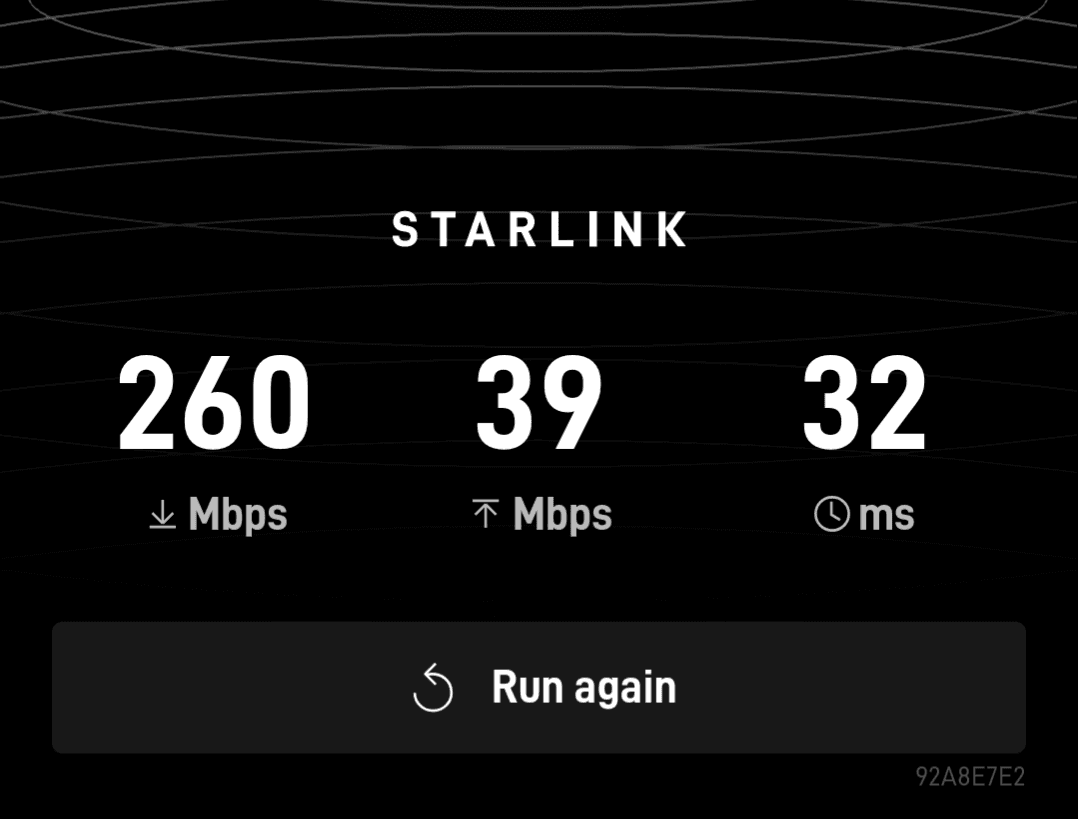
In and around Perth, users generally report download speeds between 250 and 350 Mbps. That's more than enough for HD streaming, gaming and large downloads.
Upload speeds
Upload speeds are usually in the 20-30 Mbps range. That's good news if you need to upload big files, do video calls or back up photos to the cloud.
Latency
Latency, the delay between clicking and receiving a response, is typically 30-60ms with Starlink. This is not as low as fibre, which can be under 10ms, but it is a big improvement over older satellite services that often had latency over 600ms.
Peak hour performance
Like other internet services, Starlink can slow down during busy hours, usually in the evenings. Still, most users find that speeds remain much better than traditional rural connections, even at peak times.
How Much Does Starlink Cost?
Hardware
The upfront cost for the Starlink kit, including dish, router, cables and mounting hardware, is usually around $599 in Australia depending on current promotions and shipping. You can also rent the kit from Starlink, which is currently $15 a month.
Monthly subscription
Starlink currently has three data plans for residential customers. For 100Mbps, it is $75 a month. For the 200Mbps plan it is $110 a month, and the Max plan, which runs up to 400Mbps, is $150 a month.
These prices were correct at the time of writing and are subject to change. The latest pricing is available on the Starlink website.
Professional installation
You can install Starlink yourself, but if you need help, professional installation might cost an additional $450-$700 depending on your location and the complexity of the setup.
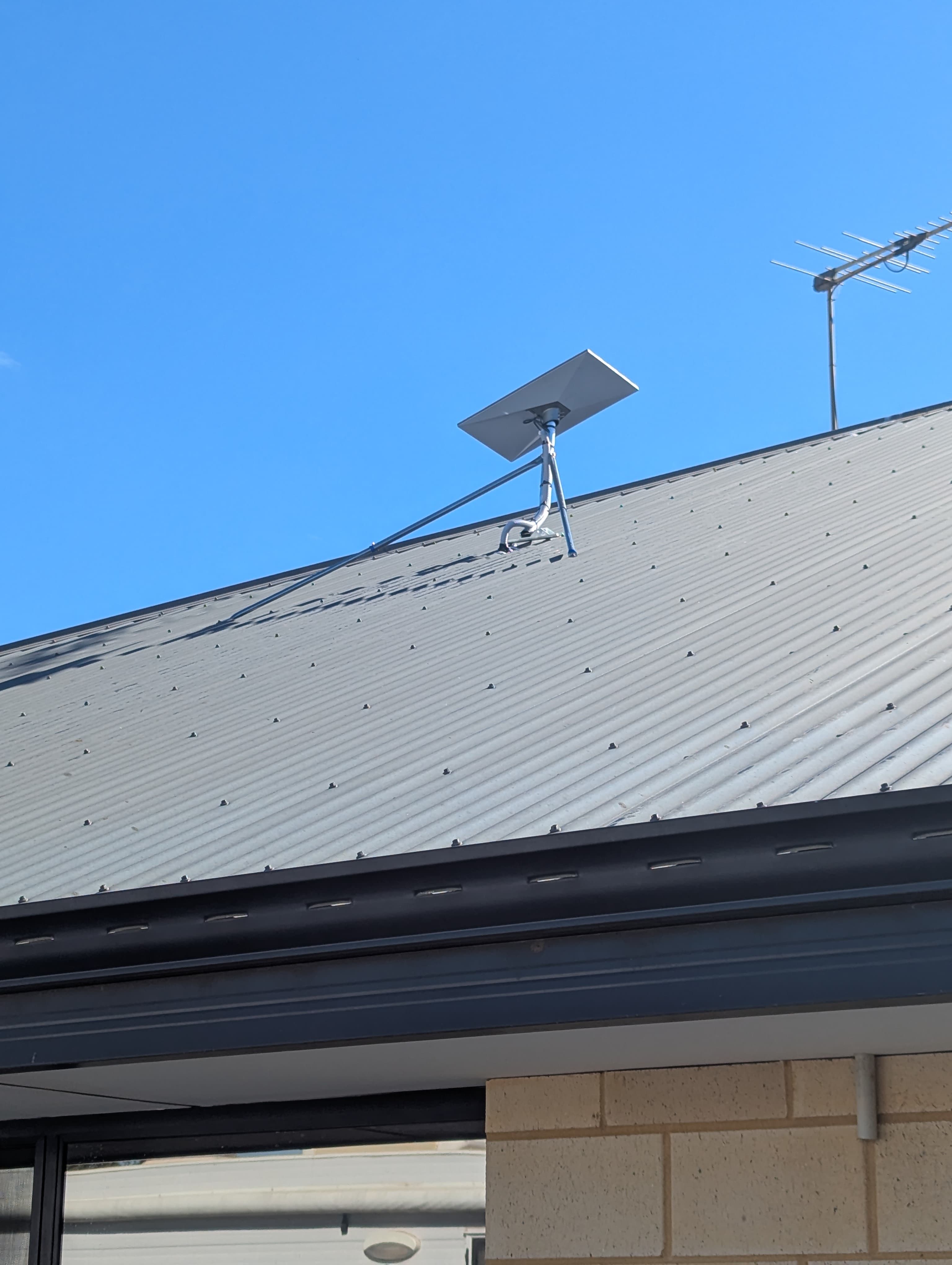
We offer a professional installation service that includes a Hills Australian-made mount, covered cable run, after-install support and a 10 year warranty for $549.
Ongoing costs
Other than the subscription, there are few extra costs. Power use is low, and maintenance usually means keeping the dish clean and free from obstructions.
Starlink vs NBN
Speed
Starlink often outperforms NBN fixed wireless, satellite and some FTTN connections. However, it usually cannot reach the highest speeds of FTTP.
Reliability
Starlink is generally more reliable than old copper lines or overworked wireless towers. Fibre still wins for rock-solid reliability.
Price
NBN plans are often cheaper, and you do not need to buy expensive hardware. Over time, Starlink's costs can add up, so it is only worth it if you cannot get good performance from the NBN.
Best use cases
Starlink is perfect for people with poor or no NBN options, remote workers and large households.
Common Starlink Setup Problems
Obstructions
Starlink dishes need a clear view of the sky. Trees, tall buildings or even chimneys can cause dropouts or slow speeds. Sometimes you just need to move the dish, but other times you may need to trim branches.
Wi-Fi vs internet speed
Sometimes, slow internet is not Starlink's fault; it is your home Wi-Fi. Cheap routers or thick walls can slow down your connection. Upgrading your router or using a mesh Wi-Fi system can help.
Roof placement
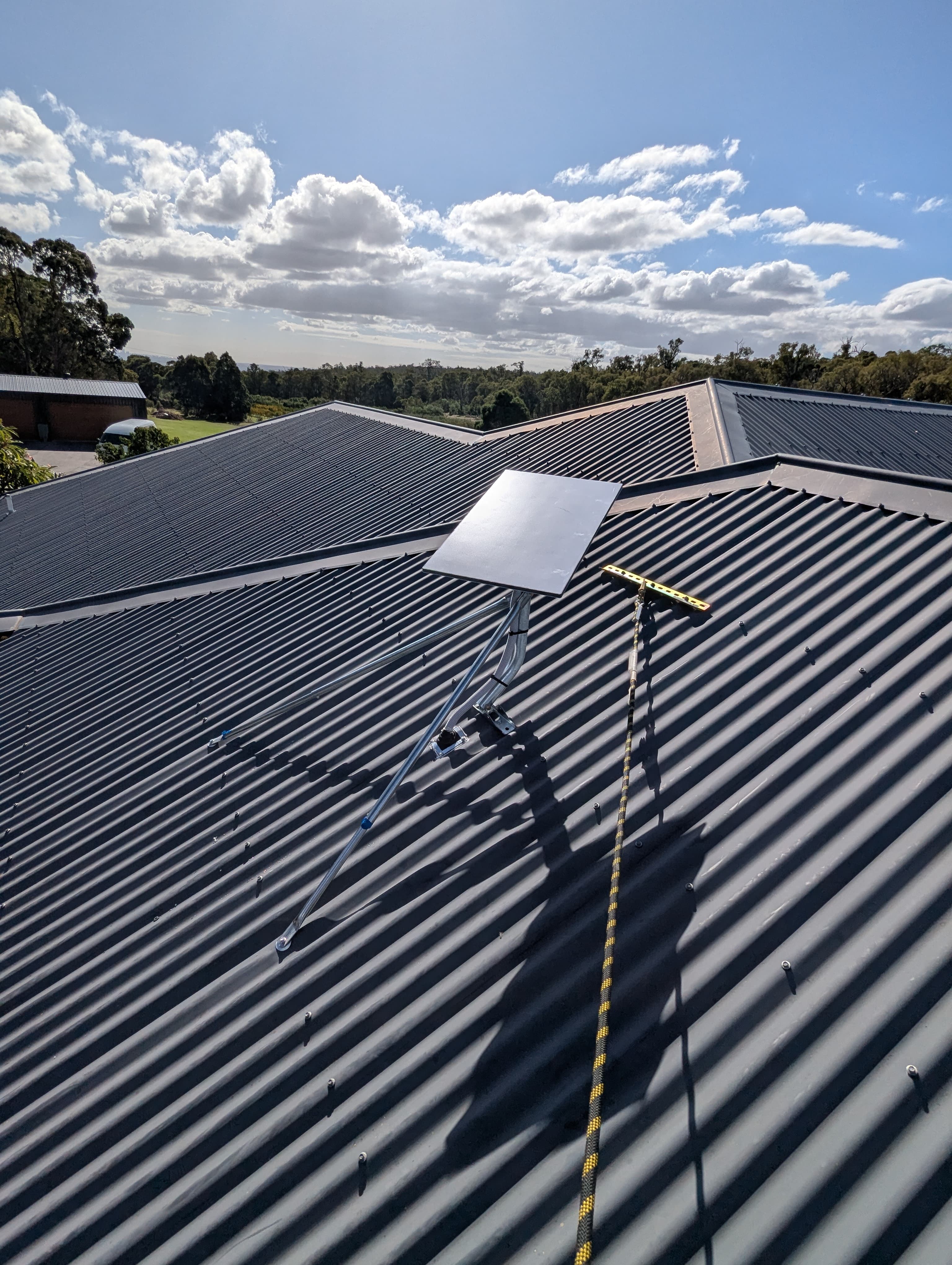
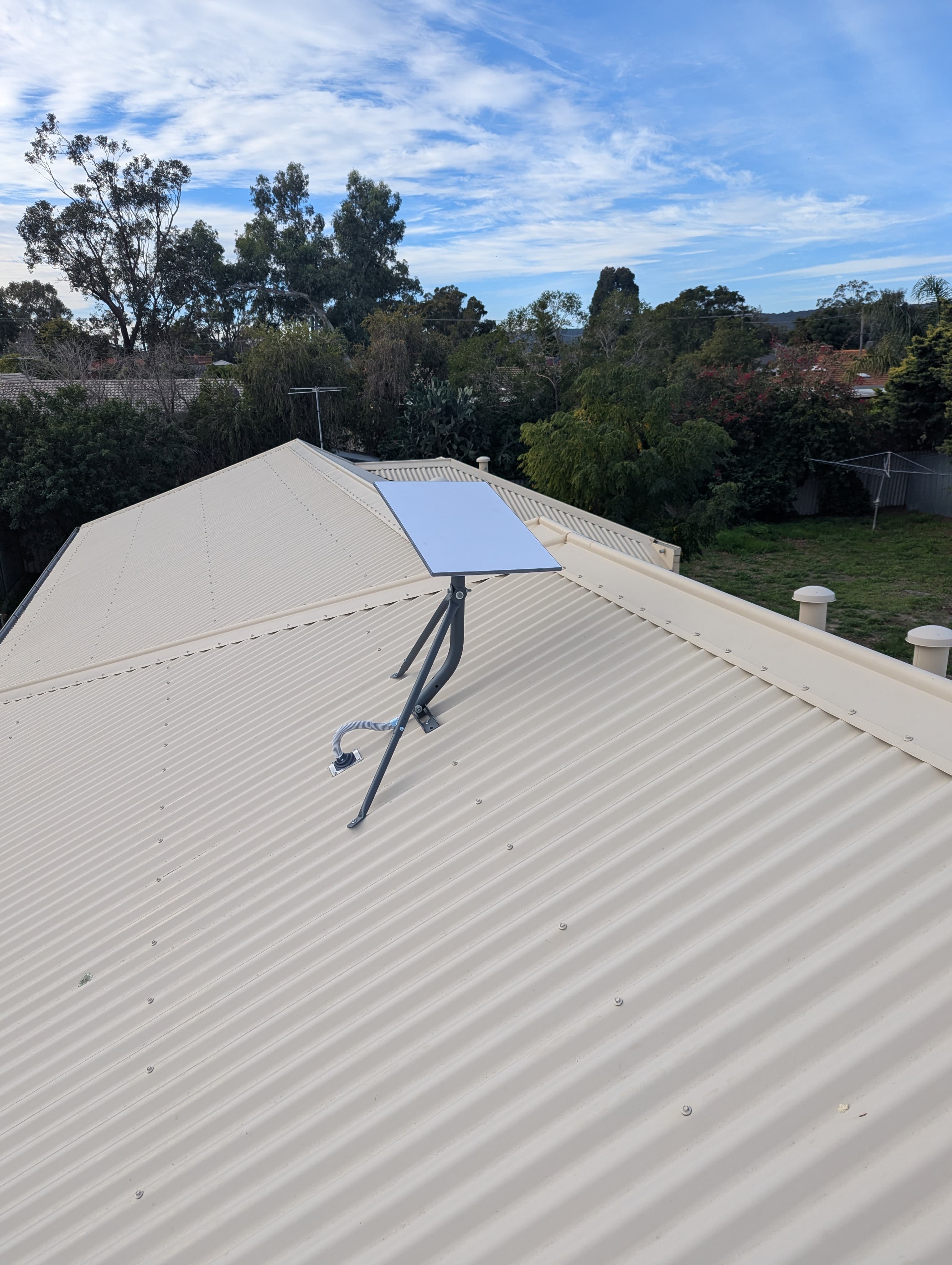
Mounting the dish on your roof usually gives the best signal, but it is not always simple. Some people have trouble with leaks, awkward angles or finding a safe place. Take your time, and call a professional if you're not sure.
Weather
Starlink is surprisingly resilient in rain and wind, but heavy storms can affect performance. Most of the time, weather-related slowdowns are minor and short-lived.
Power outages
Starlink needs electricity to run. If your area often has power outages, think about getting a battery backup or generator, especially if you depend on the internet for work.
DIY vs Professional Installation
DIY advantages
Installing Starlink yourself can save money, and for many people it is simple. The kit is made for easy setup, with clear instructions and an app to help you find the best spot for your dish.
DIY mistakes
The most common DIY mistakes are putting the dish where it is partly blocked or running cables through windows or doors in a way that lets in water or pests. Take your time, follow the instructions and do not rush the job.
When professional installation makes sense
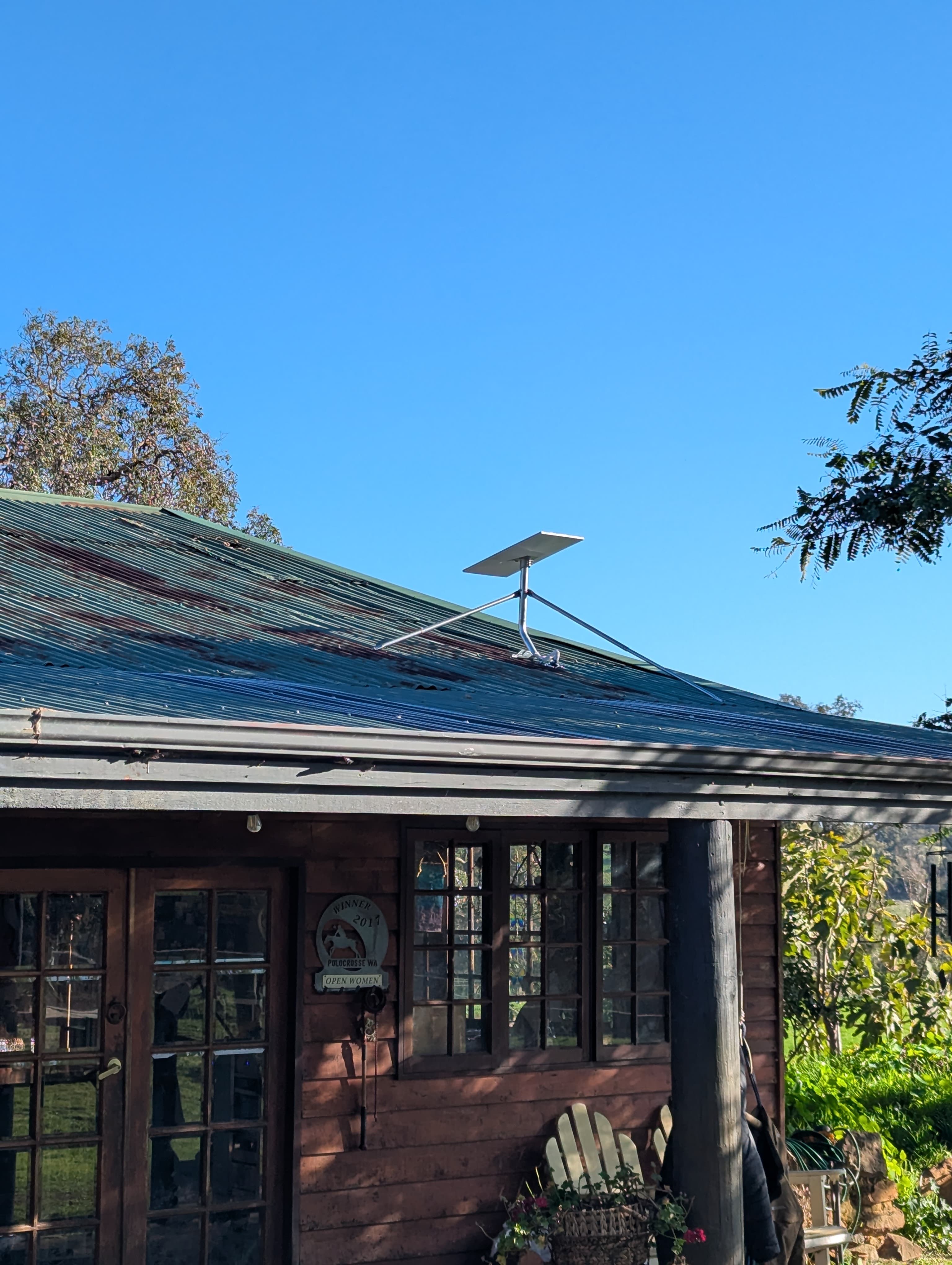
If your roof is steep, high or hard to reach, or if you want extra peace of mind, a professional installer can do the job safely and neatly. They will make sure your dish is secure and your cables are weatherproof.
Case Study: Starlink Saves the Semester in Camillo
Meet our client: a university student in Camillo who was seriously struggling with their internet. Imagine trying to join Zoom lectures, upload big assignments or even just check your uni portal, only to get dropouts and slow speeds at every turn. Their old connection just was not cutting it for the demands of modern study.
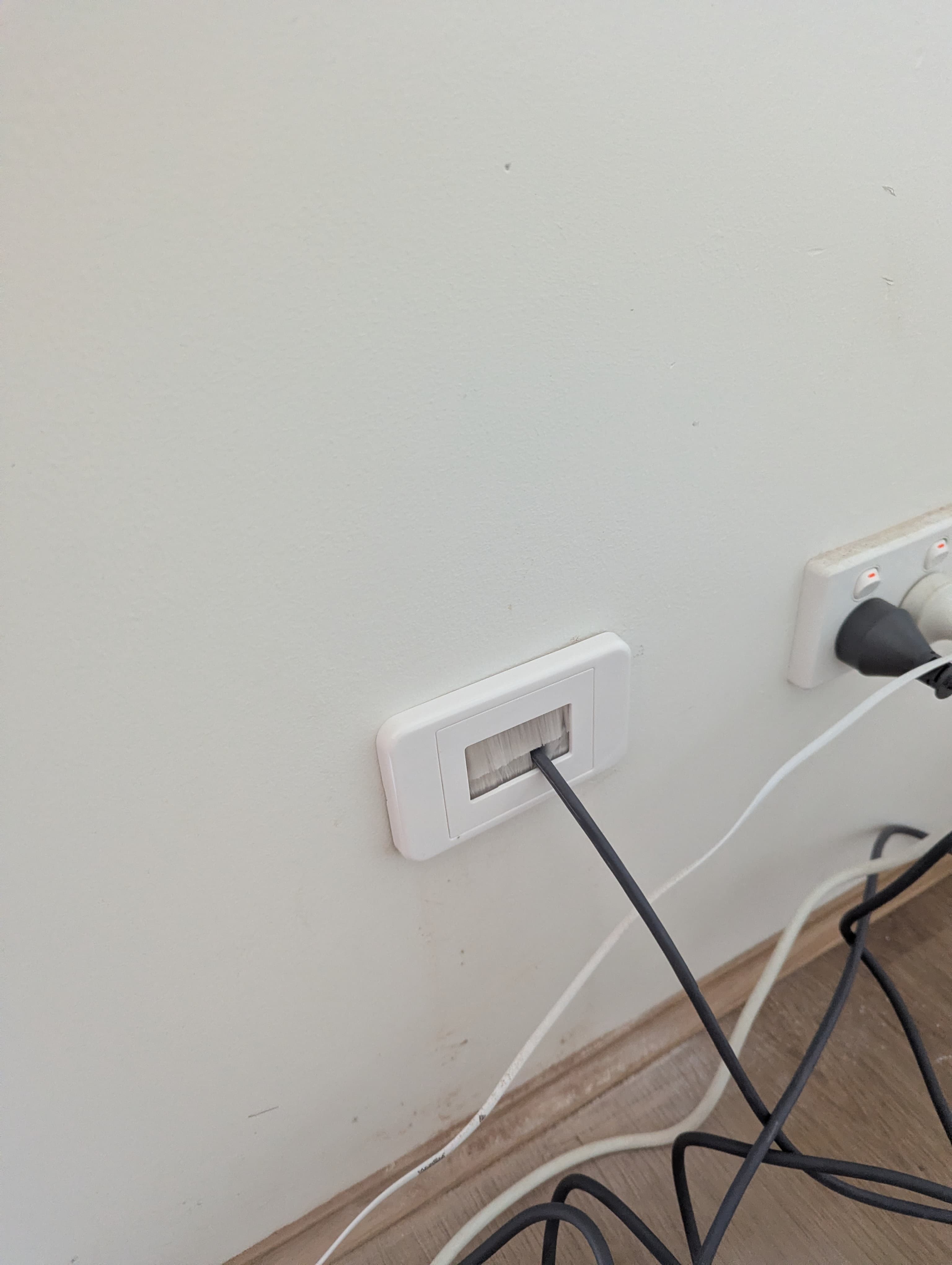
After a quick look at the property, it was clear that Starlink was the way to go. We got out the Starlink app to scan for obstructions and found the perfect spot in the yard with a wide-open view of the sky. The setup was smooth. We mounted the dish, ran the cables neatly inside and made sure everything was up and running before calling it a day.
The difference was instant. Suddenly, our client could watch lectures live, stream reference videos and submit assignments without worrying about the internet crashing. Every property is unique, but this was a textbook example of how Starlink can completely change the game for households where traditional broadband is not up to scratch.
Frequently Asked Questions
Is Starlink good for gaming?
Yes, for most types of gaming. Latency is usually low enough for first-person shooters, racing games and other games that do not require extremely fast reactions. It is a big improvement over old satellite internet.
Does weather affect Starlink?
It can slow things down a little, but most users only notice minor speed drops during storms. For most of the year, it works reliably.
Can I use my own router?
Yes. The standard Starlink kit comes with a router, but you can use your own if you want better Wi-Fi coverage or more features.
Is Starlink better than 5G?
It depends on your location. In rural areas with bad 5G coverage, Starlink usually wins. In cities or suburbs with strong 5G coverage, you might get higher speeds and lower costs with a 5G home internet plan.
Can I get Wi-Fi in my shed?
Yes. With a mesh Wi-Fi system, outdoor access point or point-to-point link, you can get Starlink-powered Wi-Fi in your shed, workshop or granny flat.
Is Starlink portable?
There are portable Starlink options, like Starlink Roam, which are good for travellers and campers. Just remember you'll need power and a clear view of the sky.
The Bottom Line
If you're in rural WA, have poor NBN or want fast, reliable internet where it was not available before, Starlink is a great, though costly, solution. It makes remote work, streaming, gaming and more possible, wherever you live.
Who should consider alternatives?
If you already have fibre or strong 5G, Starlink probably is not the best choice. The performance improvement is small, and the costs are higher. For people in cities and most suburbs, NBN or 5G is a better option.