
Speed tests might show fast NBN speeds like 100 Mbps or even 250 Mbps. But Netflix still buffers, Zoom calls drop, and the kids complain about lag. In the back bedroom, the Wi-Fi just doesn't work.
The speed test says 100 Mbps... maybe even 250 Mbps.
Netflix continue to buffer.
Online calls drop out.
The kids complain about the lag.
You walk into the back bedroom and the Wi-Fi falls apart.
What’s happening?
At Blake Smart Solutions, we see this often in Perth homes.
In many cases, the issue is not with your internet plan.
It’s the Wi-Fi network inside the house.
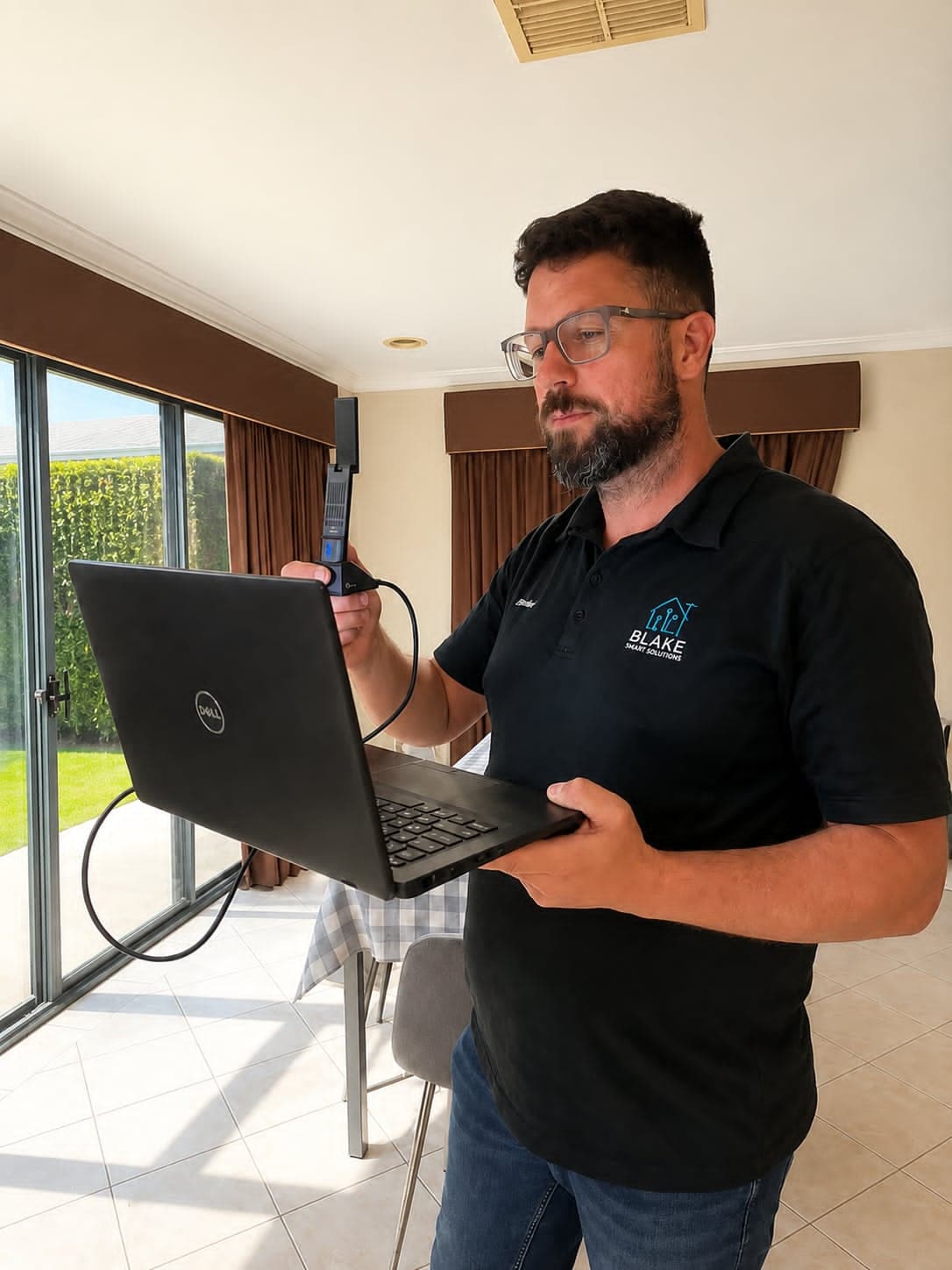
Internet vs WiFi
This is the biggest misunderstanding about home internet.
Your NBN connection is the internet coming into the house.
Your Wi-Fi is how that connection gets distributed around the house.
You can have:
- excellent NBN
- a brand new modem
- high advertised speeds
and still end up with poor real-world performance.
Once the signal leaves the router, many things can go wrong.
The Real Reasons Fast NBN Feels Slow
1. The Router Is In A Bad Location
This is extremely common in Perth homes.
Builders and NBN installers often place the modem/router:
- in a garage
- inside a metal cabinet
- in a front corner of the house
- behind a TV
- near electrical interference
Wi-Fi works best when it’s:
- central
- elevated
- open
- away from metal and thick walls
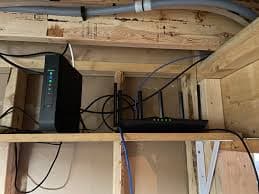
But most homes have the router in the worst possible spot.
This is especially true of double-brick homes in WA.
A strong signal in one room means nothing if the rest of the house is struggling.
2. Double Brick Walls Kill Wi-Fi
Perth homes are notorious for this.
Modern Wi-Fi hates:
- double brick
- stone
- concrete
- tiled bathrooms
- metal roofing
- foil insulation
The signal might seem “fine” near the router,
but once it has to pass through several walls, speed and reliability drop sharply.
This is why:
- bedrooms struggle
- back rooms drop out
- outdoor areas barely work
- sheds become dead zones
3. One Router Usually Isn’t Enough Anymore
Years ago, one router could cover most homes.
Now we have:
- streaming TVs
- tablets
- gaming consoles
- smart cameras
- video doorbells
- phones
- laptops
- smart appliances
All these devices compete for wireless bandwidth.
Large homes especially need proper Wi-Fi distribution.
This is where systems like mesh Wi-Fi and wireless access points help.
Mesh Wi-Fi vs Access Points
A lot of people hear “mesh” and assume it automatically fixes everything.
In some cases, it does.
In other cases, it may decrease performance.
Mesh Wi-Fi
Mesh systems use multiple wireless units that talk to each other.
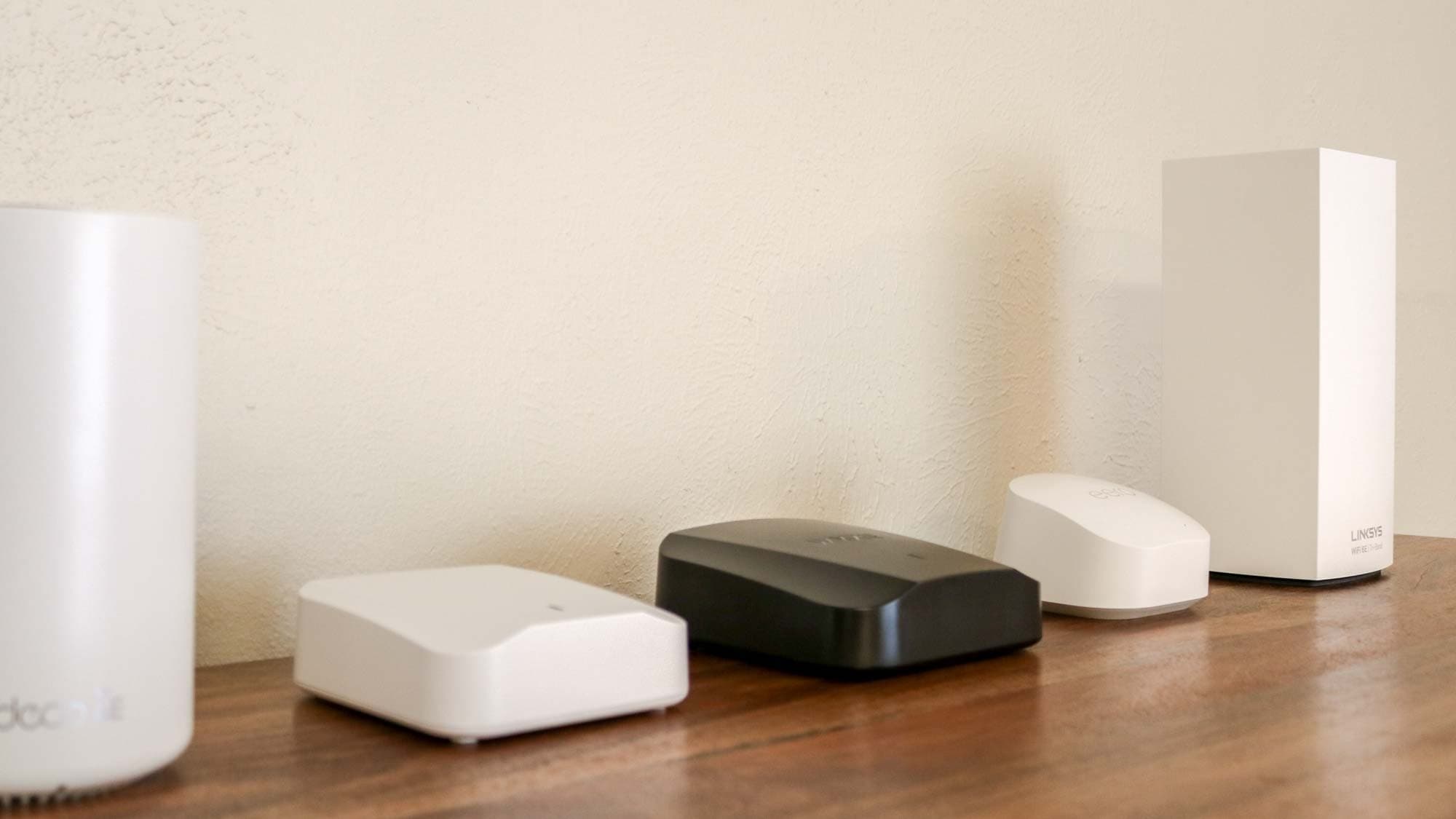
They’re great for:
- average family homes
- quick coverage improvements
- eliminating dead zones
- simpler installations
Popular systems like TP-Link Deco work very well when installed correctly.
However, where you place them is very important.
If mesh units are placed poorly, they can actually make performance worse.
Wireless Access Points (APs)
Access points are more like commercial-grade Wi-Fi.
Instead of repeating Wi-Fi signals wirelessly, access points are usually connected to the network with a cable.
That means:
- stronger stability
- better roaming
- lower latency
- higher speeds
- less congestion
They’re ideal for:
- large homes
- double brick homes
- businesses
- outdoor coverage
- demanding users
This is often the best solution for people who want reliable performance.
4. We need to talk about Interference
Wi-Fi is radio.
And your house is full of competing radio signals.
Common interference sources include:
- neighbouring Wi-Fi networks
- baby monitors
- microwaves
- Bluetooth devices
- cheap smart devices
- poorly configured routers
In some Perth suburbs, we see dozens of overlapping networks fighting each other.
Your router might just be using a bad channel.
This is one reason why “restarting the modem” sometimes seems to help temporarily.
5. Your Devices Are Clinging To Weak Wi-Fi
This is another hidden issue.
Phones and laptops often stay connected to a weak access point even when a stronger one is nearby.
You walk through the house,
but the device keeps holding onto the original signal.
The result:
- lag
- buffering
- slow loading
- random dropouts
A properly designed Wi-Fi system handles roaming much better.
6. Outdoor Areas And Sheds Need Special Solutions
This is where many DIY setups fail.
People try to extend Wi-Fi to:
- sheds
- granny flats
- workshops
- patios
- garages
by using cheap repeaters.
Usually, the performance is awful.
For detached buildings, proper wireless bridge links are often the correct solution.
These create a dedicated high-speed wireless connection between buildings.
Then a proper Wi-Fi access point can provide strong coverage inside the shed or outdoor area.
This approach is much more reliable than using a cheap extender.
7. Speed Tests Don’t Tell The Whole Story
This surprises people.
You can have:
- a “good” speed test
- fast download numbers
- decent upload speeds
and still end up with a poor user experience.
Because speed tests don’t measure:
- coverage consistency
- roaming performance
- interference
- latency spikes
- packet loss
- device congestion
That’s why professional Wi-Fi diagnostics matter.
What We Actually Do
At Blake Smart Solutions, we don’t just replace routers and hope for the best.
We diagnose what’s actually happening.
That can include:
- Wi-Fi coverage testing
- interference analysis
- mesh optimisation
- access point design
- bridge links to sheds
- router placement improvements
- channel optimisation
- dead zone identification
In many cases, the fix is simpler than people expect.
In others, the home simply needs a properly designed Wi-Fi system.
Signs Your Home Needs Better Wi-Fi Design
You probably have a Wi-Fi problem, not an NBN problem, if:
- Certain rooms are much slower.
- streaming buffers in parts of the house
- Video calls randomly freeze.
- Outdoor Wi-Fi barely works.
- The internet “feels slow” despite good speed tests.
- Devices disconnect randomly
- gaming latency spikes around the house
- The router only works properly nearby.
The Bottom Line
Most “slow internet” problems inside Perth homes are not caused by the NBN itself.
They’re caused by:
- poor Wi-Fi placement
- interference
- bad coverage
- overloaded routers
- weak distribution design
Fast internet only matters if your home's Wi-Fi can actually deliver it properly.
That's why having the right Wi-Fi design makes a big difference.
If your internet still feels slow even though you pay for fast NBN, the problem is likely with your home network, not the connection coming into your house.
If you’re struggling with Wi-Fi in Perth, we’re here to help.
Book a Wi‑Fi assessment with Blake Smart Solutions.
We help Perth homes and small businesses improve:
- coverage
- reliability
- roaming
- outdoor Wi-Fi
- shed connectivity
- mesh performance
- overall network stability
Clean installation. Practical advice. Real-world solutions.